Pattern Relations
Relations are used to link two different Patterns. The following attributes get used to specify the Relation:
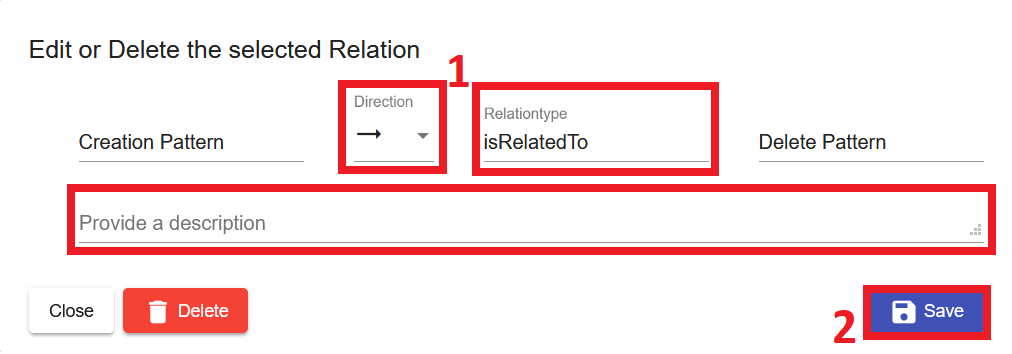
- Direction: A relation between 2 Patterns can be directional or undirectional.
- Relationtype: A relation has a type. Selectable types are for example: isRelatedTo, isUsedBefore, isUsedAfter, dependsOn, isAlternativeOf, and many more. Custom type inputs are also possible.
- Description: The description contains further information about the relation.
Add a Relation
To add a relation to a Pattern either
- Select the Pattern.
- Scroll down to Relations to other Patterns and click the Add Relation symbol.

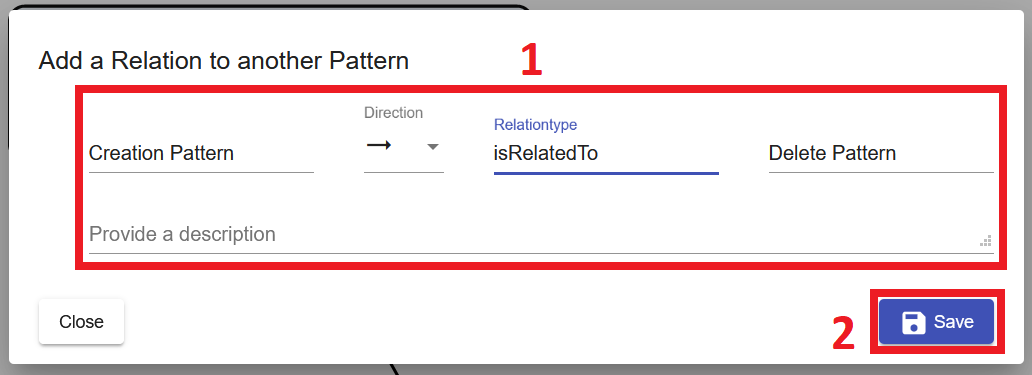
- Fill out the form and save it.
OR
-
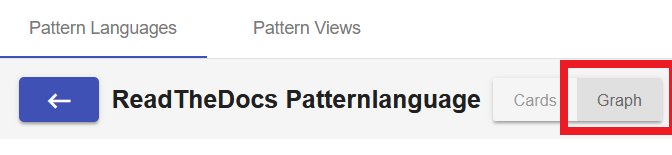
Navigate to the Pattern Graph and click Add Relation, or
1.1. Hover over a Pattern
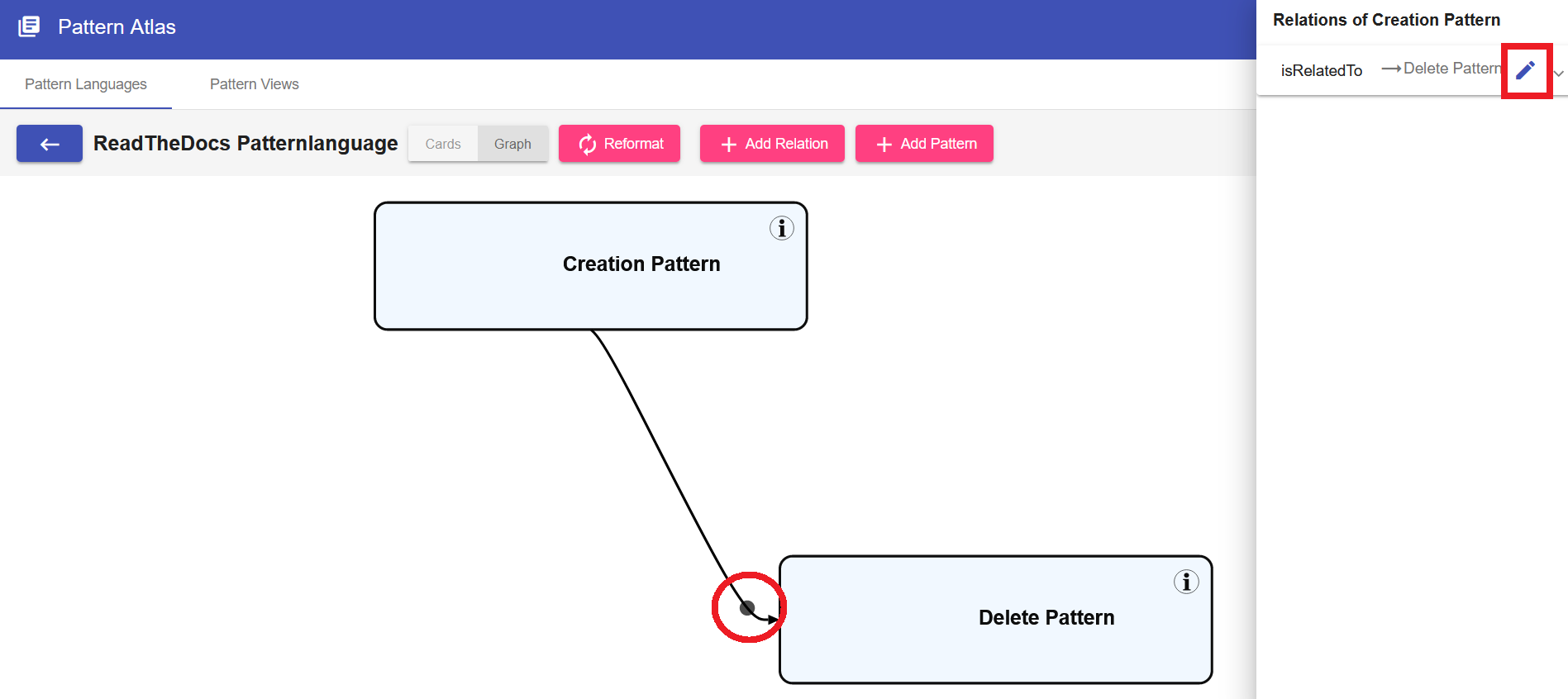
1.2 Drag & Drop the grey circle onto another Pattern to create a relation between them.

-
Fill out the form and save it.
Edit a Relation
To Edit an existing relation
-
Navigate to the Pattern Graph
2.1 Select one of the Patterns that is part of the relation and click the Edit icon in the side menu.
2.2 Click the grey circle on the line that is representing the relation that you want to edit.
3. Edit the Direction, Relationtype or Description and then save the Pattern to confirm your changes.
Delete a Relation
To Delete an existing relation
- Navigate to the Pattern Graph
2.1 Select one of the Patterns that is part of the relation and click the Edit icon in the side menu.
2.2 Click the grey circle on the line that is representing the relation that you want to edit.
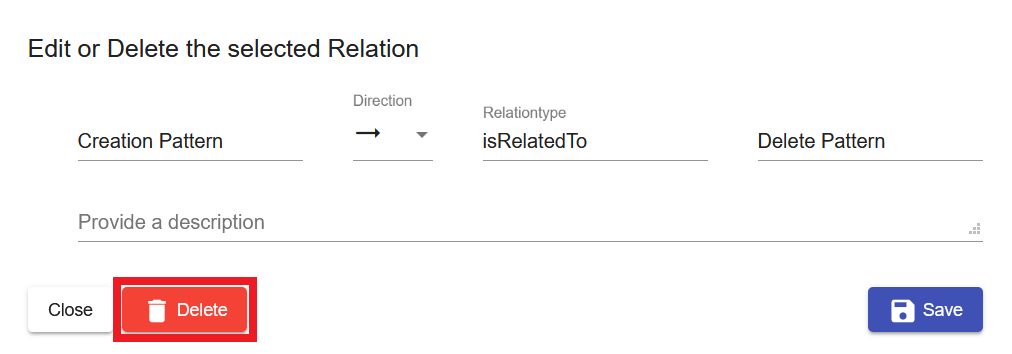
- Press the delete button to remove the relation.