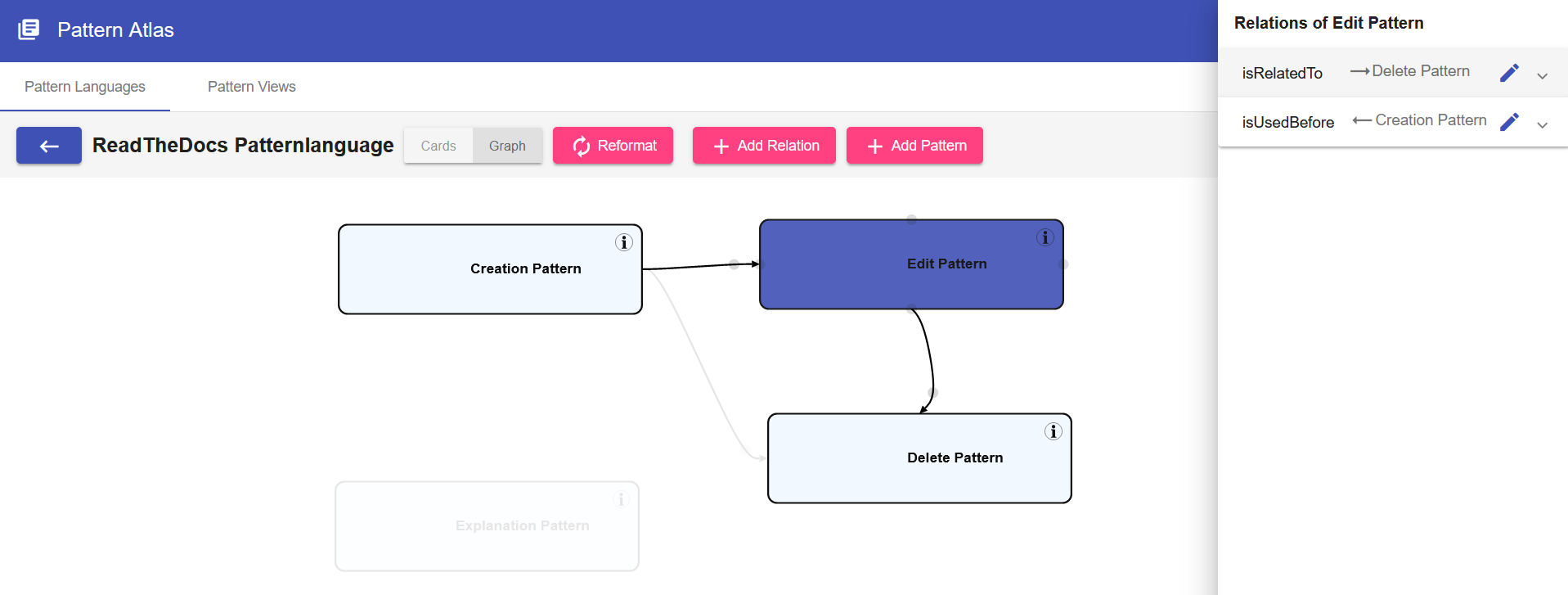
Pattern Graph
The Pattern Graph displays all the Patterns of a Pattern Language or a PatternView
The Pattern Graph supports the following operations:
- Relations can be added by hovering the source pattern and dragging the grey circle onto the target pattern.
- Relations can be deleted by clicking the grey circle on a relation.
- The Layout of the graph can be edited by moving the Patterns via Drag & Drop or by clicking Reformat
- Selecting a Pattern shows the Patterns relations
- Clicking the Info-Button navigates to the Detail View of a Pattern where the content of the Pattern can be seen.